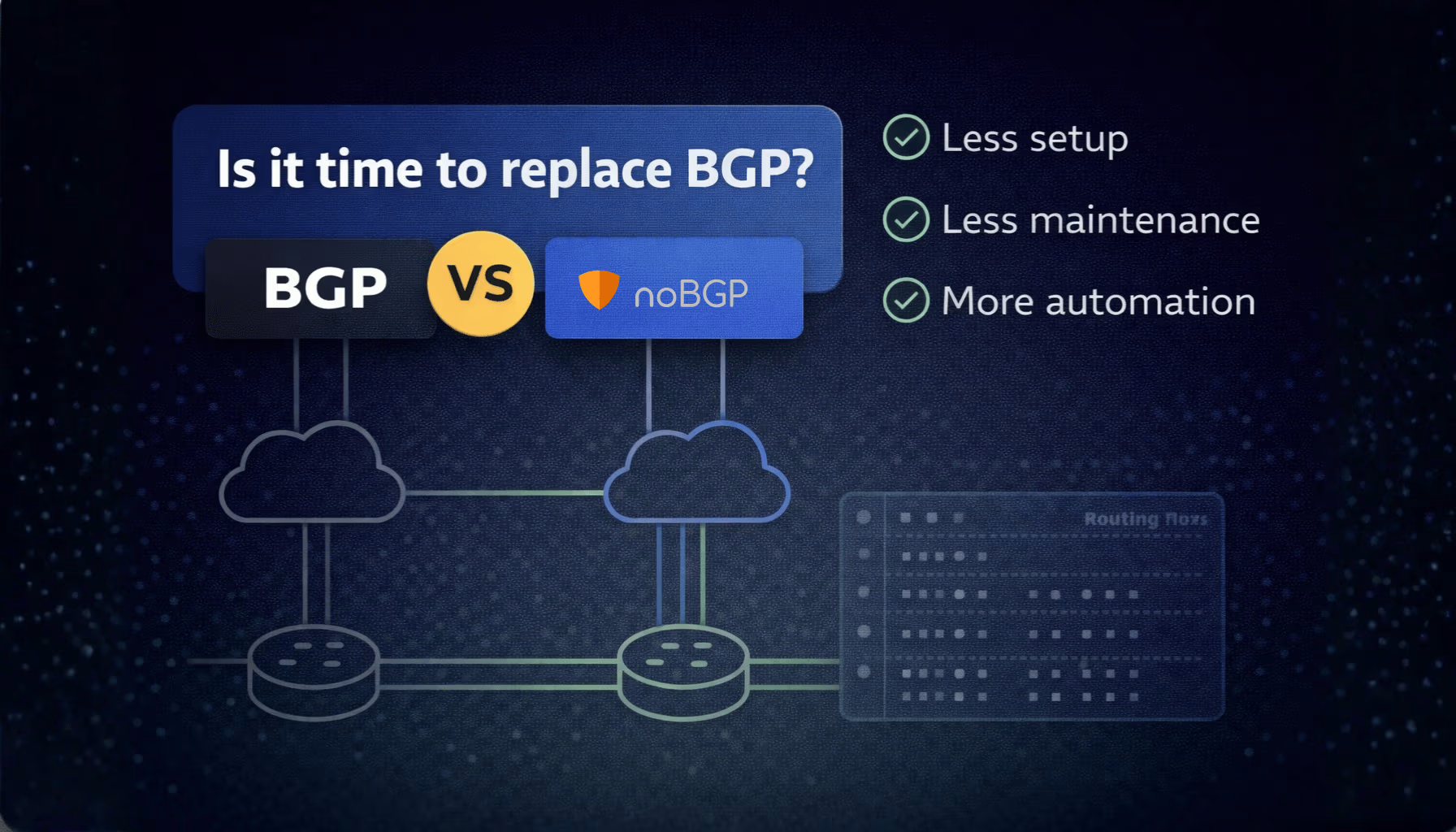
BGP has been the default routing protocol for internet and private network connectivity for over 30 years. It works at scale. It's widely understood. And for internet-facing routing between autonomous systems, nothing has replaced it.
But for private cloud networking — connecting workloads across VPCs, clouds, and environments — BGP carries significant operational overhead that most engineering teams don't need.
noBGP takes a different approach. Instead of route advertisements and autonomous system numbers, it uses policy-based overlays and identity-based access. Instead of subnet coordination, it uses agent-based provisioning.
This post compares BGP and noBGP directly across the dimensions that matter most for teams building and operating distributed cloud infrastructure.
BGP routes traffic by advertising network prefixes between autonomous systems. Each router learns the available paths and selects the best route based on a set of attributes — AS path length, local preference, MED, and others. The path is implicit: traffic follows whatever routes the protocol has converged on at that moment.
noBGP routes traffic through an encrypted overlay using deterministic, policy-defined paths. There are no prefix advertisements. Access between workloads is explicit — defined by policy — and the path is consistent regardless of what's happening in the underlying network.
For private workload connectivity, deterministic paths mean fewer surprises during incidents. You know exactly which path traffic takes because you defined it.
BGP configuration is explicit and manual. You define neighbors, set local preferences, write route maps, and manage prefix lists. Every new peering relationship, every route policy change, and every new environment requires configuration updates — and the expertise to make them correctly.
A misconfigured BGP route map or an unintended prefix advertisement can propagate problems quickly. Debugging BGP issues requires understanding the convergence state across all peers, which takes specialist knowledge.
noBGP configuration is policy-based and automated. You define which workloads can reach each other. New nodes join the network automatically when the agent is installed. There are no route maps to write, no prefix lists to maintain, and no peering relationships to configure.
BGP works across cloud providers, but it requires separate configurations for each environment. Connecting AWS to GCP means configuring BGP peering at the cloud provider level, managing IP ranges that don't overlap, and handling the routing between autonomous systems that don't natively trust each other.
Transit solutions help — AWS Transit Gateway, Google Cloud Interconnect — but each adds cost and configuration complexity, and none of them abstract away the subnet coordination requirement.
noBGP treats multi-cloud as a first-class use case. Nodes in AWS, GCP, Azure, on-prem, or bare metal environments all join the same private overlay network. There's no subnet coordination between environments, no per-provider configuration, and no routing between autonomous systems to manage. The overlay handles it.
BGP was designed for human-operated networks. Route changes, peering configurations, and policy updates are made by engineers with specialist knowledge. There's no native interface for AI agents or automation systems to interact with BGP at the policy level.
noBGP is built for programmable infrastructure. The Networking MCP exposes network provisioning as a tool that AI agents can call directly. An agent can provision a node, run commands on connected nodes, publish a service, and deprovision infrastructure — all without human intervention at the networking layer.
noBGP is not the right tool for every use case. BGP is still the correct choice for:
For private cloud workload connectivity — especially across multiple cloud providers, with growing AI infrastructure, or with small networking teams — noBGP removes overhead that BGP requires.
noBGP offers a free account with no credit card required. Your first network is created automatically on signup. Add your first node in under 5 minutes.


